
OA Design Malta · Free creative tools
Free Creative Tools
Design, edit and preview your print and social media work yourself, with free tools made by our design studio in Malta. No sign-up, no watermark, and your files stay on your device.
- Free to use
- No account
- No watermark
- Works on phones
- Private: runs in your browser

Design Studio
Business cards, flyers, posters, menus, stickers, vouchers, invitations and social media posts. Start from a template or a blank page and download a print-ready PDF.
- 110+ editable templates
- Exact print and social sizes
- PDF, PNG or JPG
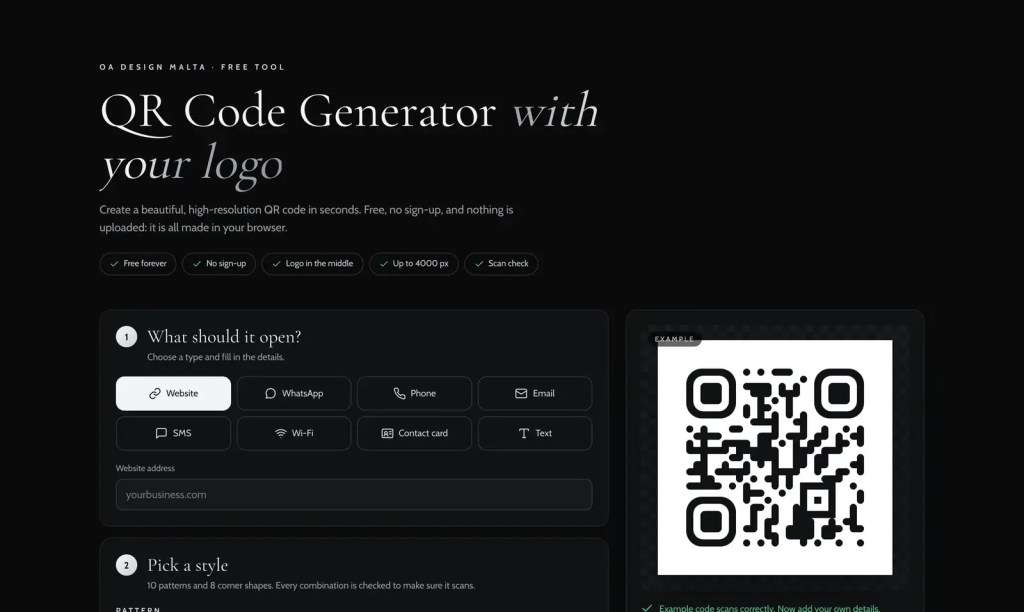
QR Code Generator
QR codes for your website, WhatsApp, Wi-Fi, contact card and more, with your logo in the middle and a scan check.
- Ten styles, your colours
- Logo in the middle
- PNG, JPG or SVG
Background Remover
Remove the background from a photo in seconds, touch up the edges and download a transparent PNG.
- Erase and restore brushes
- Transparent or coloured background
- Runs on your device
Product Photo Cleaner
Turn a phone photo of your product into a clean shop image with a white or coloured backdrop and a soft shadow.
- Square, 4:5, 4:3 or 16:9
- Soft natural shadow
- Up to 3000 px
Image Upscaler
Enlarge a small image two or four times with AI that sharpens edges instead of just stretching pixels.
- 2× and 4×
- Natural or strong enhancement
- Honest before and after view
Print Mockup Generator
See your design as real business cards, flyers, a framed poster or a shop sign, and download a high-resolution image.
- Cards, flyers, posters, signs
- Stone, marble, oak or linen
- 2400 × 1600 px download
Quote Builder
Tell us what you need in a few short steps, add your files and get a personal print or design quote.
- Cards, flyers, menus, signage and more
- Your files sent securely
- Free and without obligation
From idea to print
One studio, every step.
The tools work together. Your design moves from one to the next in a click, and when it is ready, we can print it for you.
- Design itMake your card, flyer or post in the Design Studio.
- Clean your photosRemove backgrounds or make a clean product photo.
- Sharpen small imagesEnlarge a small logo or photo with the Image Upscaler.
- See it printedCheck it on cards, flyers or a sign with the Mockup Generator.
- Print it with usSend it to us with the quote builder and we take care of the rest.
Private by design
Your files stay with you.
Runs in your browser
Designs, photos and mockups are made on your own device. Nothing is uploaded to our website or to an AI service.
Open-source AI
The photo tools use open-source models that run on your device, so there are no paid AI services and no accounts.
Made by designers
The templates, sizes and print settings come from a working design and print studio, so your files are ready for real printing.
Questions
Questions, answered.
Are the tools really free?
Yes. Every tool on this page is free to use, with no sign-up, no watermark and no limit on how many times you use it.
Do I need an account?
No. There is nothing to sign up for and nothing to install. Open a tool and start.
Are my photos and designs uploaded to your website?
No. The design tools and the AI photo tools run in your web browser, so your files stay on your device. The only time anything is sent to us is when you choose to send a quote request.
Which AI do the photo tools use?
Open-source models that run on your device: ISNet for removing backgrounds (Apache 2.0 licence) and Real-ESRGAN for upscaling (BSD 3-Clause licence), with ONNX Runtime Web (MIT licence). No paid AI service is used.
Do the tools work on my phone?
Yes, on recent phones and tablets with an up-to-date browser. The AI photo tools are faster on computers, and very large photos can be slow on older phones.
Can I use what I make for my business?
Yes. The designs, photos and mockups you make are yours to use for personal or business projects.
Can you print what I design?
Yes. From the Design Studio choose Print with OA Design, or send us a request with the quote builder. Quotes are free and without obligation.
Prefer a designer to do it?
Our studio designs and prints business cards, menus, signage and branding for businesses across Malta.
Background removal uses ISNet (Apache 2.0). Upscaling uses Real-ESRGAN (BSD 3-Clause, © 2021 Xintao Wang). Both run with ONNX Runtime Web (MIT). Licence details are on each tool page.